
Are you wondering how websites stay fresh, fast, and easy to use? The secret lies in website design and maintenance tools.
These tools are your best friends when building or managing a site. They help you create a strong first impression and keep everything running smoothly behind the scenes. If you want to make your website stand out and work perfectly for your visitors, understanding these tools is a must.
Keep reading, and you’ll discover how to take control of your website like a pro.
Website Design Essentials
Website design essentials form the foundation of any successful online presence. They shape how visitors perceive your brand and interact with your content. Understanding these essentials helps you create a site that is both attractive and functional.
Key Elements Of Effective Design
Effective website design balances aesthetics with usability. Clear navigation guides visitors to what they need without confusion. Fast loading times keep users engaged rather than frustrated.
Here are some must-have elements:
- Responsive design:Your site must look great on all devices, from desktops to smartphones.
- Consistent branding:Use colors, fonts, and logos that reflect your brand identity.
- Whitespace:Proper spacing avoids clutter and improves readability.
- Call-to-action buttons:Make it easy for visitors to take the next step, whether it’s buying, signing up, or contacting you.
- High-quality images:Visuals should enhance your message, not distract from it.
Popular Design Trends In 2025
Design trends shift as technology and user preferences evolve. Staying updated can keep your website feeling fresh and relevant.
Watch for these trends in 2025:
- Dark mode options:More sites offer dark themes to reduce eye strain and save battery life.
- Minimalist interfaces:Clean, simple designs with fewer distractions remain popular.
- Microinteractions:Small animations or feedback when users interact with elements enhance engagement.
- 3D visuals:Interactive and immersive graphics add depth and excitement.
- Accessibility focus:Designs that prioritize usability for people with disabilities become standard.
Choosing The Right Layout
The layout sets the stage for how users experience your content. It should support your goals and the way visitors browse your site.
Consider these tips when selecting a layout:
- Prioritize simplicity:Avoid overwhelming visitors with too many options or clutter.
- Use grids:Structured grids create balance and alignment that please the eye.
- Place key elements above the fold:Put important information and actions where users see them immediately.
- Test multiple layouts:Experiment to find which design keeps visitors on your site longer and encourages interaction.
Have you ever left a website because it was too confusing or slow? Your layout choices can prevent that from happening to your site visitors.
Top Website Design Tools
Top website design tools help create and maintain stunning websites. They simplify complex tasks and speed up the design process. These tools suit beginners and professionals alike. Choosing the right tool boosts productivity and creativity.
Drag-and-drop Builders
Drag-and-drop builders let users create websites easily. No coding skills are needed. Users pick elements like text, images, and buttons. Then, they place these elements on the page by dragging them. This visual approach saves time and reduces errors.
- Simple interface for quick website creation
- Pre-designed templates to start with
- Real-time preview of the site
- Responsive design for mobile devices
Graphic Design Software
Graphic design software creates visual content for websites. It helps design logos, banners, and images. High-quality visuals improve user engagement and brand identity. These tools offer layers, filters, and effects for detailed designs.
- Supports multiple file formats
- Customizable brushes and shapes
- Color correction and enhancement tools
- Easy export to web-friendly formats
Prototyping And Wireframing Tools
Prototyping and wireframing tools map out website layouts. They focus on structure and user flow before final design. These tools help spot issues early and improve usability. Designers and clients can review ideas visually.
- Drag-and-drop interface for layout creation
- Interactive elements to simulate user actions
- Collaboration features for team feedback
- Export options for sharing and testing
Website Maintenance Basics
Website maintenance is more than just fixing broken links or updating content. It’s about keeping your site reliable, secure, and running smoothly so visitors have a seamless experience. Understanding the basics of website maintenance tools helps you avoid downtime and protect your online presence.
Importance Of Regular Updates
Regular updates keep your website fresh and functioning properly. This means updating software, plugins, and themes to their latest versions. Neglecting updates can cause bugs or compatibility issues that frustrate your visitors.
Think about the last time you visited a site that didn’t load correctly or had outdated info. Would you stay or leave? Your users expect speed and accuracy, so timely updates matter.
Security Measures To Implement
Security isn’t optional; it’s a necessity. Protect your website by installing SSL certificates and enabling firewalls. Use strong passwords and consider two-factor authentication to keep hackers at bay.
Regularly scan for malware and monitor suspicious activity. Imagine losing your data or having your site defaced—these risks make security measures worth every effort.
Backup And Recovery Strategies
Backing up your website is your safety net. Schedule automatic backups to avoid losing important data during unexpected crashes or attacks. Store backups in multiple locations, like cloud storage and external drives.
Also, test your recovery process regularly. Knowing you can quickly restore your site gives you peace of mind and minimizes downtime if something goes wrong.
Credit: www.ramotion.com
Best Maintenance Tools For 2025
Choosing the right website maintenance tools can save you hours and keep your site running smoothly throughout 2025. The best tools not only fix problems before they escalate but also improve user experience and boost your site’s performance. Let’s look at some top options that can make managing your website easier and more effective.
Automated Monitoring Solutions
Automated monitoring tools track your website’s uptime, security, and errors without you lifting a finger. They send instant alerts if your site goes down or if suspicious activity occurs, helping you respond quickly.
Tools like UptimeRobot and Pingdom offer simple dashboards that show your site’s health in real-time. Have you ever missed a critical outage because you didn’t know your website was down? These solutions prevent that from happening.
Content Management Systems
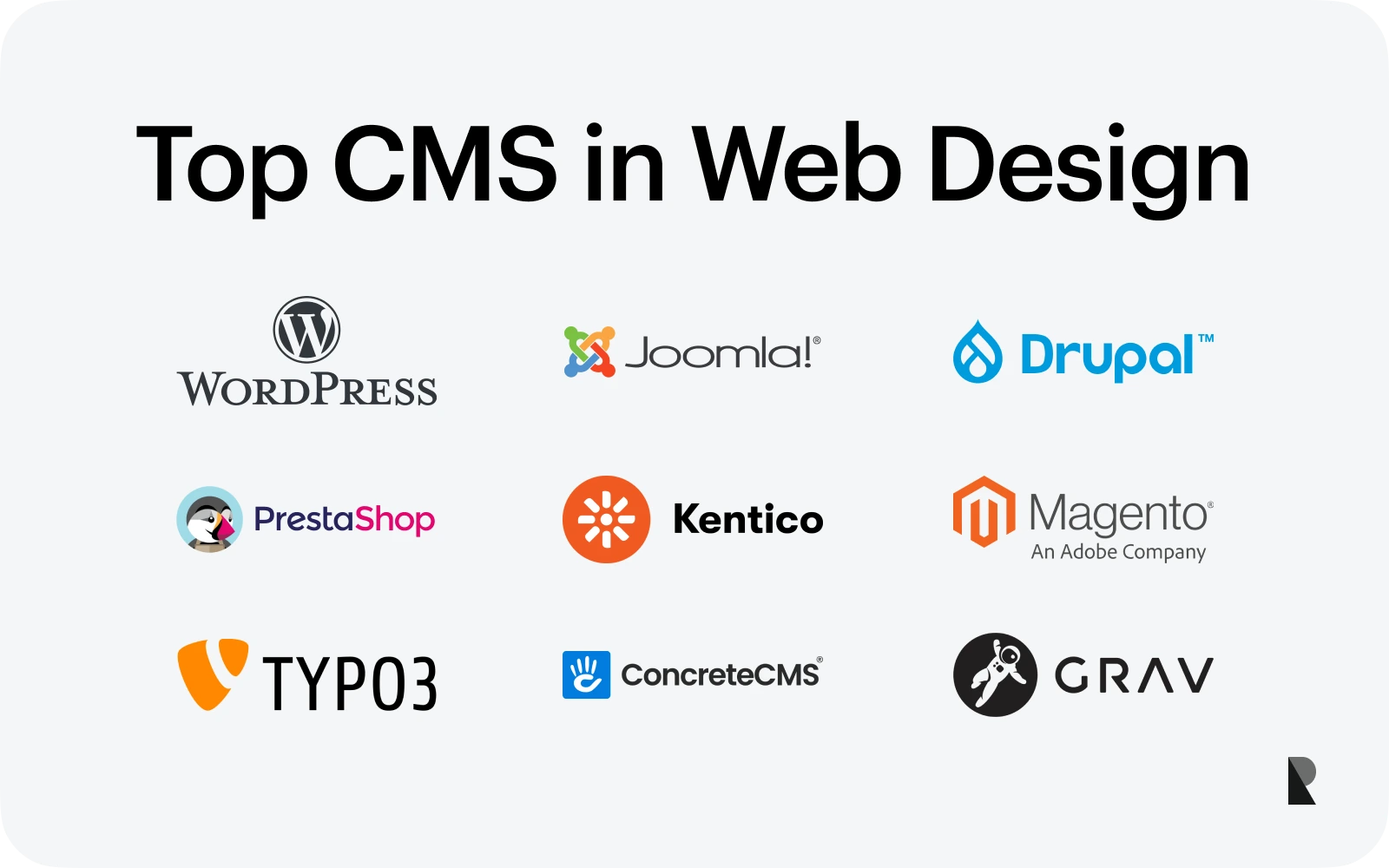
A good content management system (CMS) simplifies updating your site’s text, images, and other content. Popular CMS platforms like WordPress, Joomla, and Drupal allow you to manage your website without coding skills.
They also have plugins and extensions for maintenance tasks like backups, SEO, and security. If you update your site regularly, using a CMS can save you countless hours and keep your content fresh.
Performance Optimization Tools
Performance tools help your website load faster and run more smoothly, which keeps visitors happy and improves your search rankings. Tools such as Google PageSpeed Insights and GTmetrix analyze your site and suggest specific improvements.
Optimizing images, enabling caching, and minifying code are common fixes these tools recommend. Have you noticed visitors leaving your site quickly because of slow loading? These tools can help you fix that.
Integrating Design And Maintenance
Integrating design and maintenance is essential to keep your website both attractive and functional over time. When these two aspects work together smoothly, you reduce downtime and improve the overall user experience. You get a site that not only looks great but also performs reliably as your needs evolve.
Streamlining Workflow
Combining design and maintenance tools helps you save time by avoiding repetitive tasks. Imagine updating your site’s layout and fixing bugs using the same platform—no switching between multiple apps. This approach lets you focus more on creativity while keeping the technical side manageable.
Think about how much easier it is to spot and fix issues when your design and maintenance processes share a common interface. It means fewer errors and faster updates, which is crucial if you want your website to stay fresh and relevant.
Collaboration Between Teams
Designers and developers often work separately, causing delays and miscommunication. Integrating tools allows your teams to share updates instantly and work on the same project without confusion. This transparency speeds up decision-making and reduces mistakes.
Have you ever experienced waiting days for feedback because teams were out of sync? With integrated tools, everyone stays on the same page, making collaboration smoother and more productive.
Keeping Websites User-friendly
Maintenance isn’t just about fixing broken links or updating content—it also means ensuring your design stays easy to use. Integrated tools help you regularly test user experience and make improvements based on real data.
You want visitors to find what they need quickly and enjoy their time on your site. By combining design updates with ongoing maintenance, you can keep your website intuitive and responsive to your audience’s needs.

Credit: www.wix.com
Future Trends In Website Tools
Website design and maintenance tools are evolving fast, reshaping how you build and manage online spaces. Staying updated with future trends can give your site a competitive edge and improve user experience. Let’s look at some key innovations shaping the future of website tools.
Ai And Machine Learning Applications
AI is no longer just a buzzword; it’s actively helping websites become smarter and more personalized. Tools now use machine learning to analyze user behavior, offering tailored content and recommendations that keep visitors engaged longer.
Imagine your site automatically adjusting layouts or content based on what your visitors prefer, without you lifting a finger. This saves you time and helps create a more dynamic user experience. Have you noticed websites that seem to “know” what you want? That’s AI at work.
Voice And Gesture Interfaces
Voice commands and gesture controls are moving beyond smartphones to websites. These interfaces let users interact without typing or clicking, making navigation easier, especially on mobile or accessible devices.
Think about how you use voice assistants like Siri or Alexa daily. Integrating similar features on your website can make it more intuitive and inclusive. Are you ready to let users control your site with a simple word or hand movement?
Sustainability And Eco-friendly Design
More website tools now focus on reducing energy consumption and promoting eco-friendly practices. Lightweight designs, efficient coding, and green hosting options minimize the environmental impact of your site.
Choosing sustainable tools not only helps the planet but also appeals to eco-conscious visitors. How can you make your website greener without sacrificing performance or style? Small changes in your design approach can make a big difference.
Credit: mailchimp.com
Frequently Asked Questions
What Are Website Design Tools Used For?
Website design tools help create and customize website layouts, graphics, and user interfaces. They simplify coding and enhance visual appeal, improving user experience and functionality.
Why Is Website Maintenance Important?
Website maintenance ensures security, updates content, fixes bugs, and improves performance. Regular upkeep keeps the site running smoothly and ranks higher on search engines.
Which Tools Are Best For Website Maintenance?
Top website maintenance tools include CMS platforms, backup software, security scanners, and analytics tools. They help manage updates, monitor traffic, and protect against cyber threats effectively.
How Do Website Design Tools Improve User Experience?
Design tools optimize navigation, responsiveness, and loading speed. They create visually appealing and easy-to-use websites, boosting visitor engagement and satisfaction.
Conclusion
Website design and maintenance tools simplify online tasks. They boost site performance and user experience. A well-designed site attracts more visitors. Regular maintenance keeps it running smoothly. Tools help manage updates and security. They ensure a site is current and safe.
Choosing the right tools matters. It affects site speed and efficiency. Users find what they need faster. Overall, these tools are vital for a thriving website. They provide structure and support. Investing in them is wise. It leads to better engagement and success online.